

My new camera settings make me look like a pro... in my own head.
Published: Jun 04, 2025, 4:47 pm Updated: Jun 04, 2025, 4:49 pm
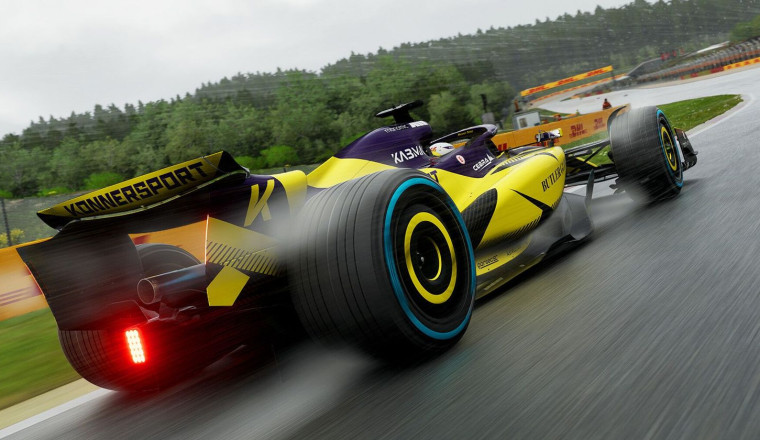
F1 25 offers a blend of realism, adrenaline, and challenge, no matter if you're a racing pro or a newbie. However, to make your racing experience the best, you need to know the best camera settings in F1 25.
Choosing the best camera settings in F1 25 can make a great difference in your racing precision and overall experience. The best camera view will help you read the track better, break consistently, and stay focused without any distractions.
In this guide, we will break down the F1 25 best camera settings, so keep reading.
Here are the best camera settings in F1 25 for best performance:
Do note that every car in F1 25 has slightly different camera defaults. Also, you can use the Global setting to apply your preferred camera setup across all teams or tweak the settings according to your personal comfort and clarity for more fine-tuning.
Stay tuned to racinggames.gg: the best place for F1 25 coverage.